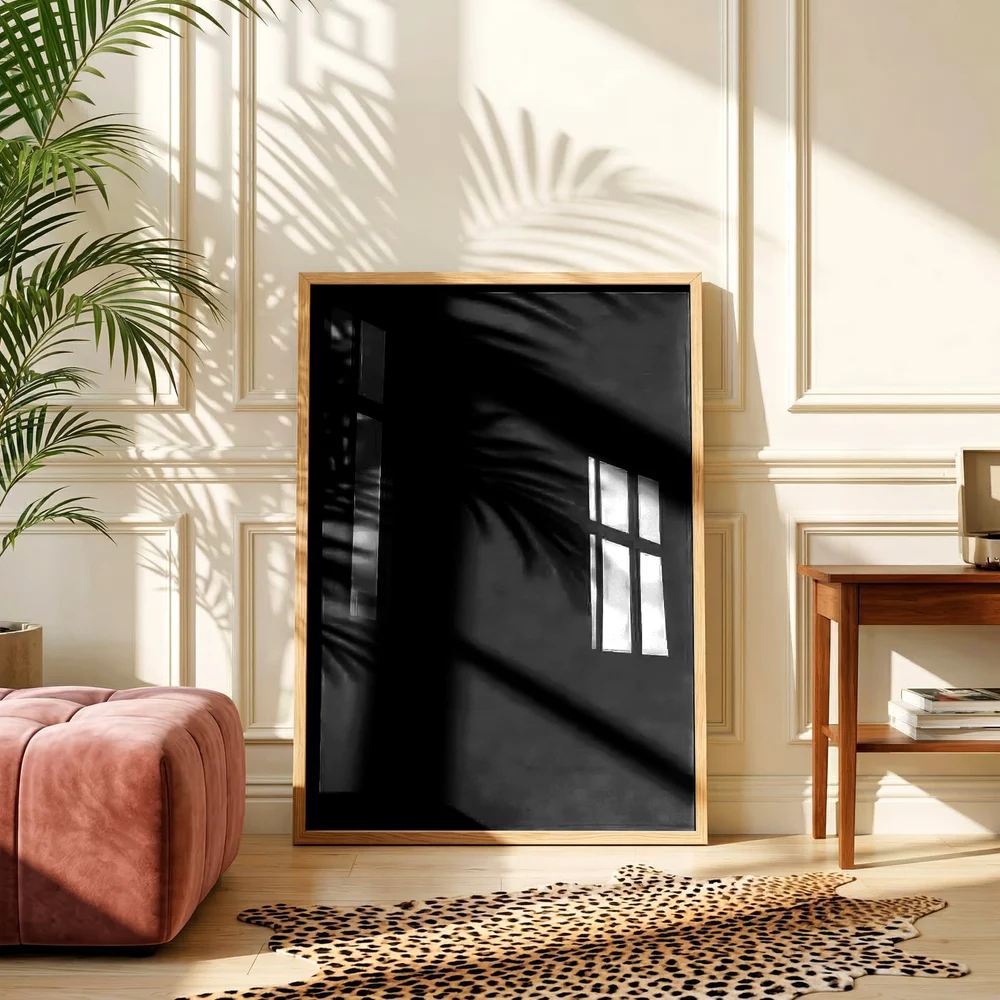
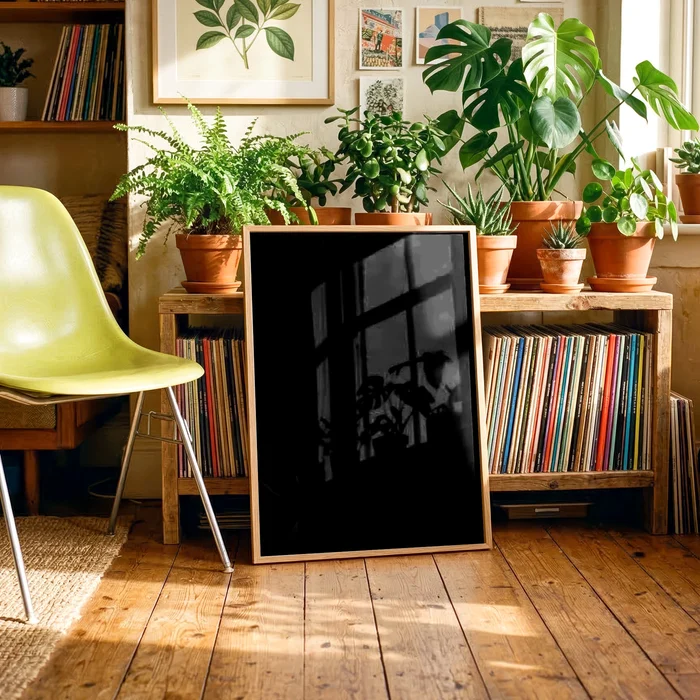
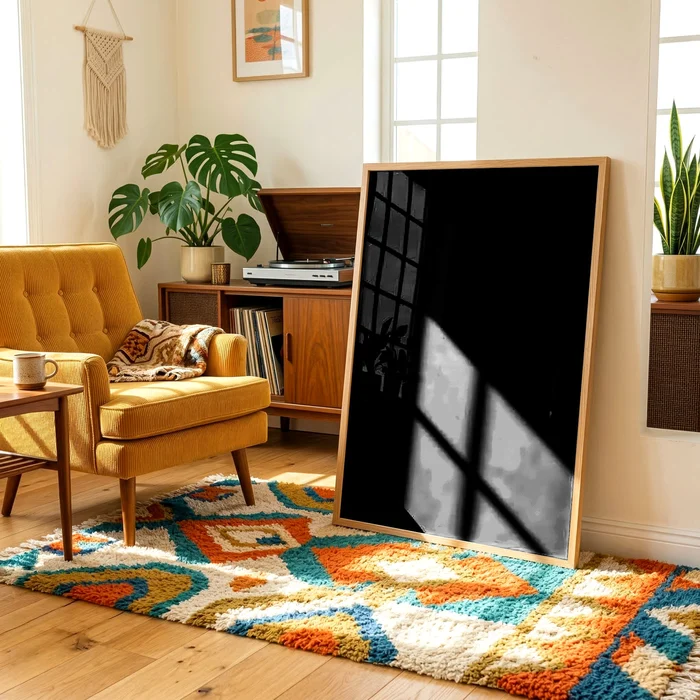
This free mockup generator places your artwork into three real PSD room scenes — a panelled hallway, a plant shelf and a vinyl corner — instantly, in your browser, with no upload and no account. The lighting, shadows and glass glare are not painted on: they come from running the actual PSD files through PSDmate's own render pipeline, so the preview behaves like the real thing. Downloads are preview size with a small PSDmate mark. PSDmate itself renders clean, full-size mockups from your own PSD templates, hundreds at a time.
Try your artwork
Pick an artwork, or drop your own anywhere on this panel.
Free downloads are preview size with a PSDmate mark. Pro makes clean, full-size files from your own PSDs →
How to use it
- Pick or drop your artwork — Choose a sample, press "Your artwork", or drag a PNG, JPG or WebP file anywhere onto the panel.
- Look at all three scenes — The artwork appears in the hallway, shelf and vinyl corner scenes at once, with the rooms' light and glass over it.
- Download a preview — Use the download button on any scene for a preview-size image with a small PSDmate mark.
The problem this solves
Seeing a design in a room is how a seller decides whether it works, and how a buyer decides whether to click. Opening Photoshop and replacing a smart object for every idea is slow, and most free mockup sites want an account, an upload and a wait before showing anything.
What it does
Real renders, not a flat overlay
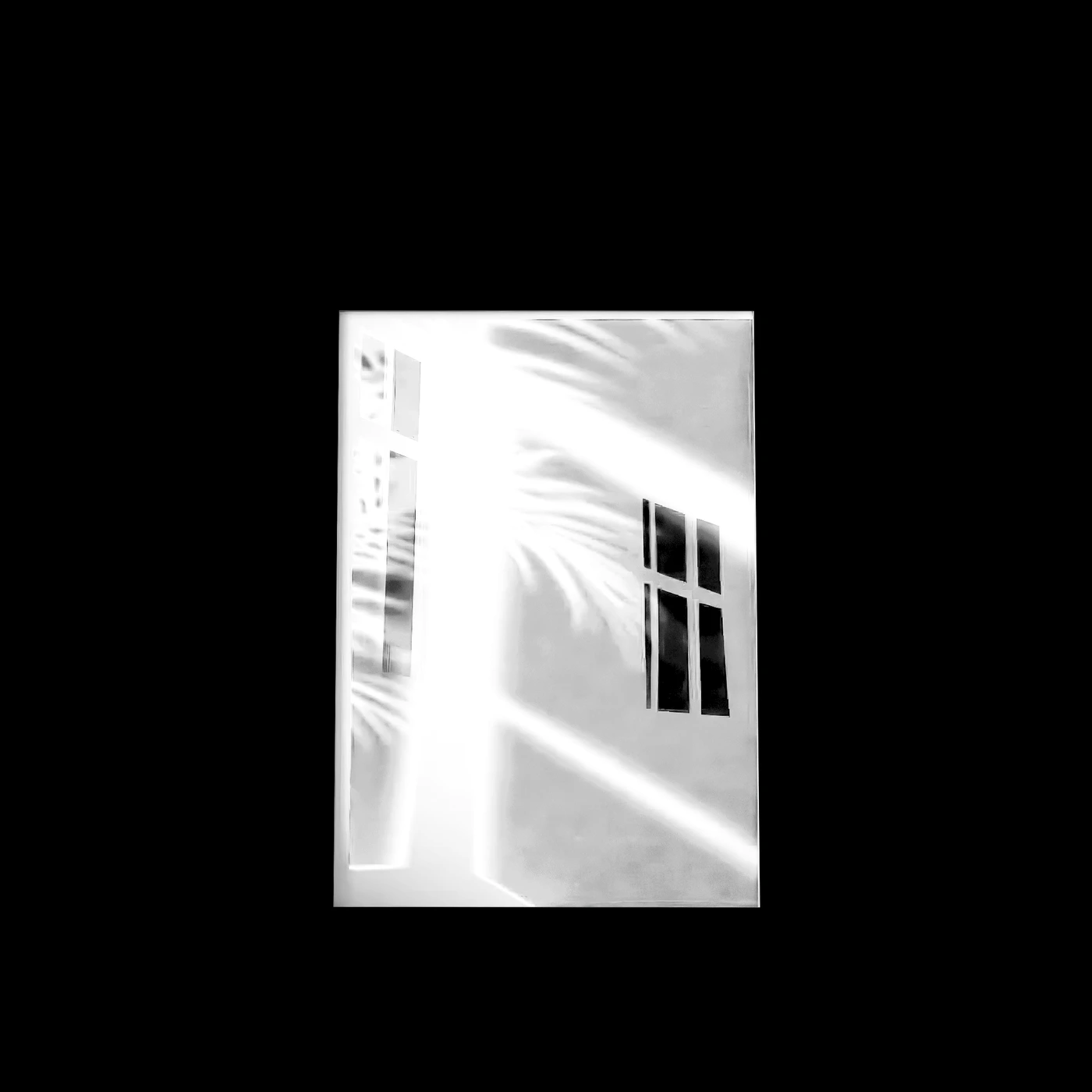
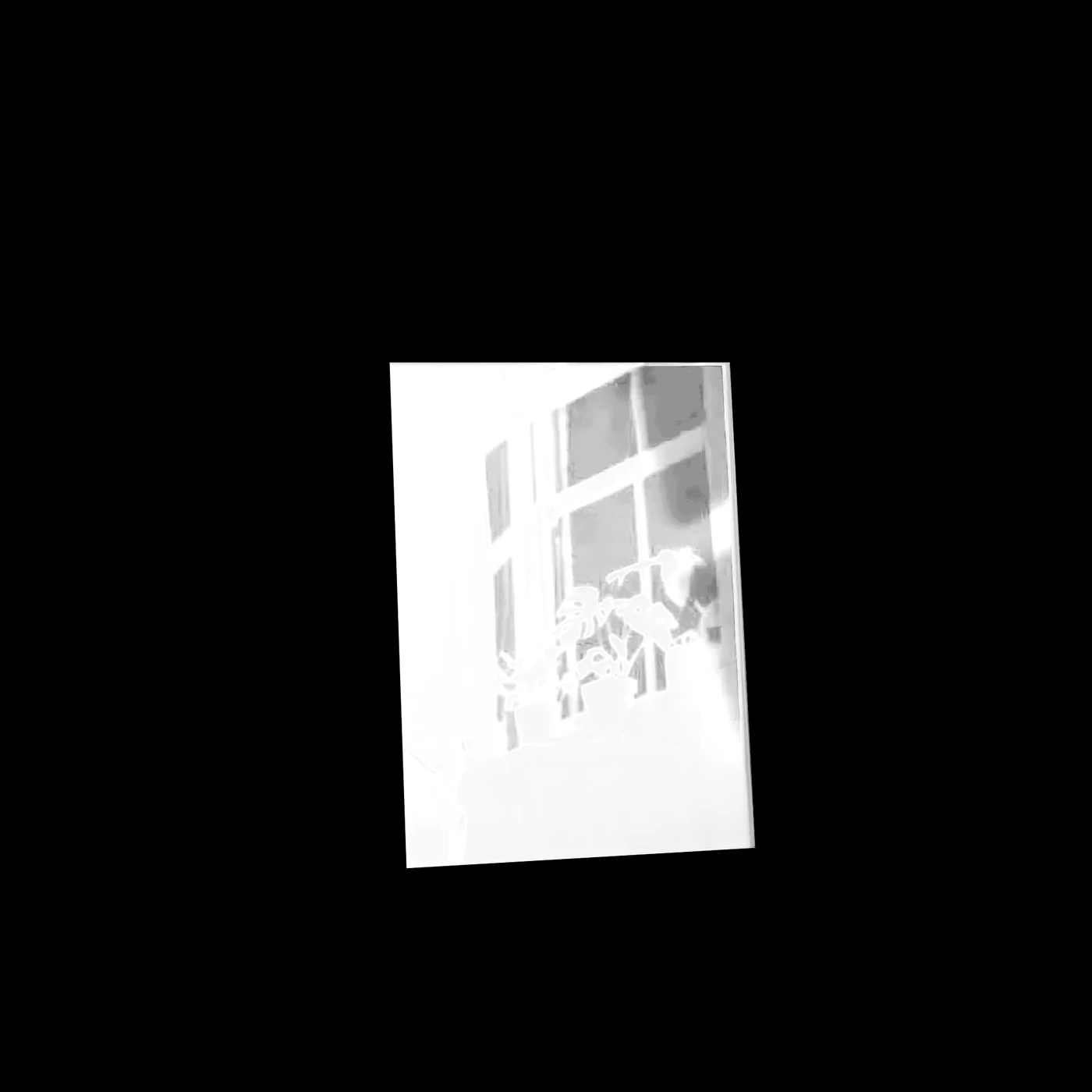
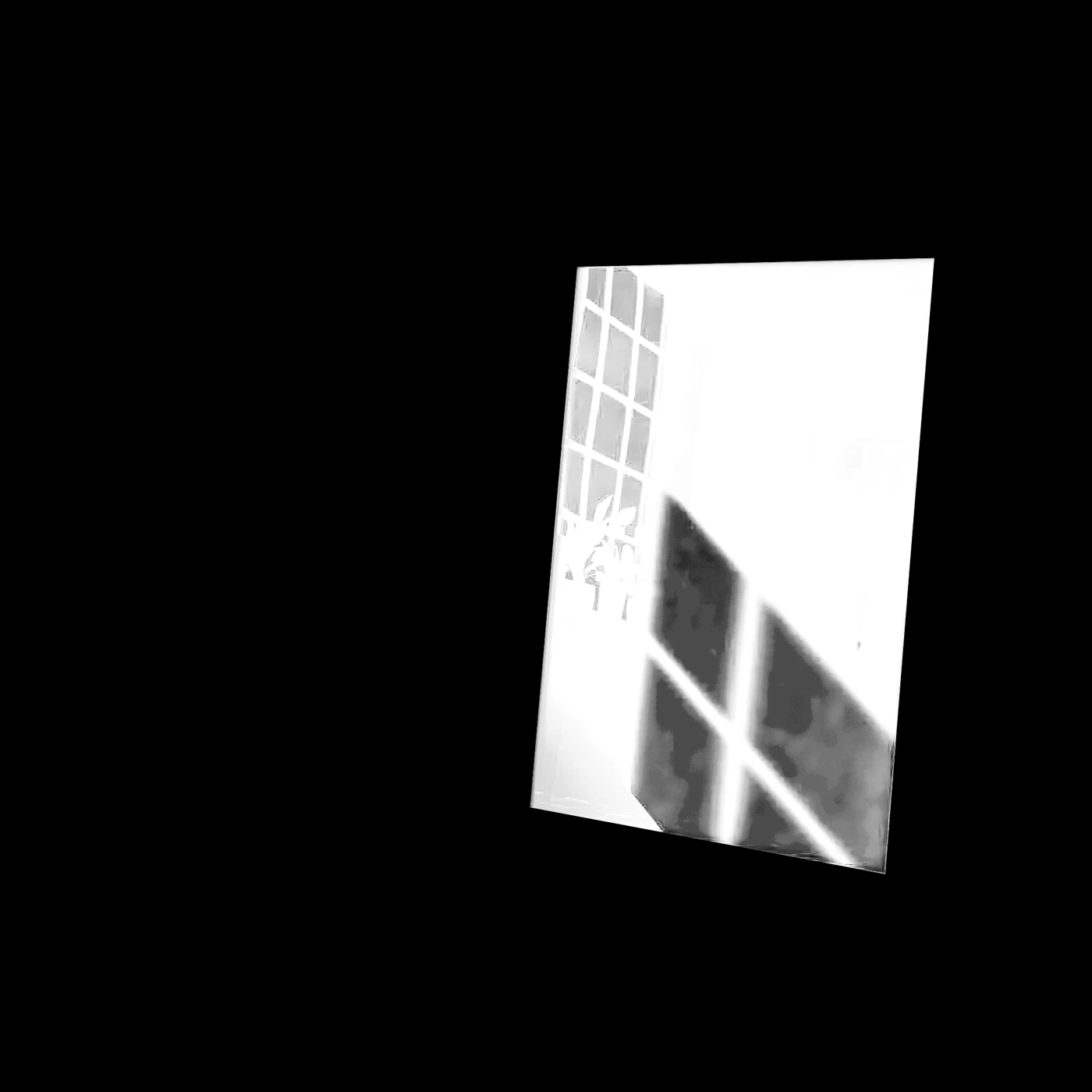
Each scene was rendered twice through the real pipeline — once with black artwork, once with white — so the browser can reproduce how the room's light and glass fall on any artwork you drop in.
Nothing leaves your browser
Your artwork is composited on your own device. No upload, no queue, no file stored anywhere.
Three scenes at once
A large hallway scene and two smaller ones, so you see the piece at different sizes and in different light in one go.
Download a preview
Each scene downloads as a preview-size image with a small PSDmate mark — enough to share or test, not a finished listing image.
Where it lives in PSDmate
Free on this page with no signup. Inside PSDmate you upload your own PSD templates and render clean, full-size mockups of every design in bulk, then publish them to Etsy.
Questions
Is it really free?
Yes, with no account and no email. The downloads carry a small PSDmate mark and are preview size; clean full-size files are what the paid app makes.
Is my artwork uploaded?
No. It is placed into the scenes on your own device, in the browser tab.
Can I use my own PSD mockups?
Not on this page — these three scenes are fixed. In PSDmate you upload your own PSD templates and every design is rendered into all of them at once.
What files can I drop in?
PNG, JPG or WebP artwork. Portrait artwork suits these frames best.
Read more
Other tools
- PSD Mockup Automation Without Photoshop — Every design across every template in one job, from the PSD files you already own.
- AI Art Generator for Print-on-Demand — Generate artwork at print resolution, with your own provider key and your own prompt library.
- Brand Kits, Frames and Layouts for Etsy Listings — Every listing image looks like it came from the same shop, without rebuilding it each time.
- Etsy Listing Video Maker — Turn the mockups you already rendered into the listing video Etsy pushes in search.
- Etsy Listing Automation and Bulk Upload — Render, write and publish a whole batch of listings to Etsy in one run.
- Etsy SEO and Listing Copy Generator — Titles, tags and descriptions written from the actual rendered image, not from a keyword you typed.